
n8n and OpenAI: Build AI Automations Without Code
If you're still copy-pasting data between tools or writing one-off scripts to connect your stack, you're doing it the hard way. n8n paired with OpenAI changes the equation — you get AI-powered automat
If you're still copy-pasting data between tools or writing one-off scripts to connect your stack, you're doing it the hard way. n8n paired with OpenAI changes the equation — you get AI-powered automation that runs on your infrastructure, connects to anything, and doesn't require you to maintain a pile of glue code.
This isn't a tutorial for absolute beginners. It's a practical breakdown of what actually works when you combine n8n with OpenAI — and where people waste time getting it wrong.
Why n8n and OpenAI Work Well Together
n8n is a workflow automation tool that runs either self-hosted or in the cloud. It handles the orchestration — triggering on webhooks, polling APIs, transforming data, routing logic. OpenAI handles the intelligence layer — classifying text, generating content, extracting structured data, answering questions.
The combination is powerful because:
- n8n's OpenAI node handles authentication, retries, and response parsing out of the box
- You can inject dynamic data from any upstream node directly into your prompts
- The output from OpenAI flows immediately into downstream nodes — no parsing, no middleware
- You can branch logic based on AI output — route a "complaint" classification differently from a "question"
Most importantly: you build it once visually, and it runs without you touching it again.
High-Value Use Cases That Are Actually Production-Ready
Forget the toy demos. These are the workflows people are using in real operations:
- Lead qualification: A form submission comes in, GPT-4 scores the lead based on company size, role, and intent signals, then routes hot leads to CRM and cold leads to a drip sequence
- Email triage: Gmail webhook triggers on new email, OpenAI classifies intent and urgency, auto-drafts a reply for the sender to approve with one click
- Support ticket routing: Incoming tickets get summarized and tagged by OpenAI, then assigned to the right team with priority set automatically
- Content repurposing: Publish a blog post, trigger a workflow that rewrites it as a LinkedIn post, a tweet thread, and a newsletter blurb — all in one run
- Data extraction from unstructured text: Paste in a PDF or email thread, get back clean JSON with names, dates, amounts, and action items
These aren't proofs of concept. They're workflows that handle real volume with minimal maintenance once they're configured correctly.
Where People Get Stuck (and How to Fix It)
The two places n8n + OpenAI workflows break down in practice:
Prompt engineering directly in the node. Hardcoding prompts in the OpenAI node works until your requirements change — then you're editing the workflow every time. Better approach: store your prompt template in a Code node or a separate config, inject variables from upstream data, and keep the OpenAI node dumb. It just sends and receives.
Not handling token limits or rate limits. If you're processing bulk data — hundreds of records, large documents — you will hit rate limits. Build in a Wait node between batches, use the SplitInBatches node to chunk large arrays, and always add error handling on the OpenAI node so a 429 doesn't kill your entire workflow run.
- Use
gpt-4o-minifor classification and extraction tasks — it's fast, cheap, and accurate enough - Reserve
gpt-4ofor generation tasks where quality matters - Set
max_tokensexplicitly — don't let the model decide how long to run - Use
temperature: 0for deterministic outputs like classification or data extraction
Getting Started Without Building From Scratch
The hardest part isn't understanding the concept — it's getting a working workflow out the door fast enough to validate whether it solves your actual problem. Building from a blank canvas means you spend the first hour wiring up authentication, error handling, and basic data flow before you've written a single prompt.
The faster path is starting with a template that already handles the plumbing, then customizing the prompt and routing logic for your use case. If you want to skip the setup overhead, there's a collection of ready-made n8n templates built specifically for OpenAI integrations — lead scoring, content automation, support routing, and more. Each one is a working workflow you import directly into n8n and adapt in minutes.
The Bottom Line
n8n and OpenAI together give you a serious automation stack that doesn't require maintaining custom code or paying for overpriced SaaS tools that do half of what you need. The learning curve is real but short — once you understand how data flows between nodes and how to structure prompts that return consistent output, you can build automations that would have taken days of engineering work in a few hours.
Start with one workflow. Pick the most repetitive thing your team does that involves reading or writing text. Wire it up, test it on real data, and watch what happens when you remove yourself from the loop.
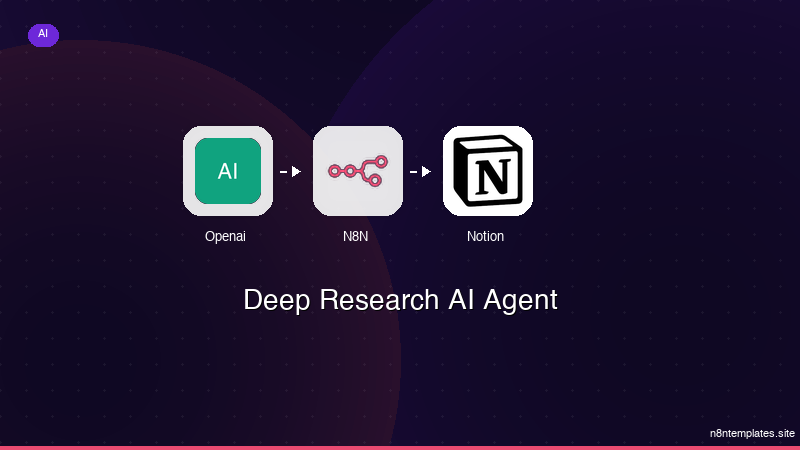
Ja construimos isso pra voce
Nao comece do zero. O Deep Research AI Agent e um workflow n8n pronto para instalar que faz exatamente isso — em minutos, nao horas.
Instalar por $49 →

