
n8n and Airtable: Automate Your Database
If you're using Airtable as your database layer and still manually moving data in and out of it, you're leaving a lot of time on the table. n8n connects to Airtable natively and can automate almost an
If you're using Airtable as your database layer and still manually moving data in and out of it, you're leaving a lot of time on the table. n8n connects to Airtable natively and can automate almost anything you'd otherwise do by hand — syncing records, triggering workflows on row changes, updating fields based on external events, or pushing data from other tools straight into your bases.
Here's how to actually use n8n with Airtable, and where the real leverage is.
What n8n Can Do With Airtable
n8n ships with a dedicated Airtable node that covers the core operations you need:
- Create record — push a new row into any table from any trigger
- Update record — patch specific fields without overwriting the whole row
- Get record / Get all records — pull data for downstream processing
- Search records — filter by field value before deciding what to do
- Delete record — clean up stale entries automatically
You authenticate once with a Personal Access Token from your Airtable account settings, and the credential reuses across every workflow in your instance. No per-workflow setup.
High-Value Workflows to Build First
The most useful Airtable automations aren't the flashy ones — they're the ones that eliminate the manual steps your team does every single day.
- Form to Airtable: Typeform, Tally, or even a raw webhook → parse the payload → create a record. Every lead, support request, or order goes straight into your base without anyone touching it.
- Airtable to Slack/email on status change: Poll Airtable every 5 minutes, filter for records where Status changed to "Ready for Review," and notify the right person. No more checking the base manually.
- CRM sync: New deal created in HubSpot or Pipedrive → create a mirrored record in Airtable with the fields your ops team actually cares about. Two sources of truth, always in sync.
- Scheduled exports: Every Monday morning, pull all records from a specific view, format them into a CSV or JSON, and send to S3, email, or Google Sheets. Zero manual exports.
- Invoice or document generation: When a record reaches a specific status in Airtable, trigger a document template in Google Docs or Notion, populate it with Airtable field values, and attach it back to the record.
Polling vs. Webhooks — What to Use
Airtable's free and Plus tiers don't offer native outbound webhooks to external URLs. That means if you want n8n to react to changes in Airtable, you have two options:
- Polling with the Schedule trigger: Run the workflow every N minutes, fetch records modified since the last run, and process only the new ones. Simple, reliable, slightly delayed. Works on every Airtable plan.
- Airtable Automations (Pro+) → n8n webhook: Set up an Airtable automation that sends an HTTP POST to your n8n webhook URL when a record changes. Near real-time, but requires a paid Airtable plan and some setup on the Airtable side.
For most use cases, polling every 5–10 minutes is fine. If you need real-time triggers and you're on a paid Airtable plan, the webhook route is worth setting up.
Practical Tips Before You Build
A few things that will save you debugging time:
- Use field IDs, not names: Airtable field names can change. In the n8n Airtable node, switch to using field IDs (found in the Airtable field settings) so renaming a column doesn't break your workflow.
- Limit your Get All Records calls: Without a filter, fetching all records on a large base is slow and burns API quota. Always pass a filterByFormula or limit to a specific view.
- Handle rate limits: Airtable's API allows 5 requests per second per base. If you're processing many records in a loop, add a Wait node between batches to avoid 429 errors.
- Test with a staging base: Before pointing your workflow at production data, clone your Airtable base and test against the copy. Airtable has no undo for bulk deletes triggered by a workflow bug.
- Store the record ID: Every Airtable record has a unique ID (starts with "rec"). If you're syncing data between systems, store this ID in the other system so you can do targeted updates later instead of searching by field value.
n8n and Airtable is one of those combinations that scales well — you start with one workflow to sync leads, and six months later you've replaced an entire category of manual work with a set of quiet, reliable automations. The key is building each workflow to be idempotent and explicit: know what triggers it, what it touches, and what the failure state looks like.
If you'd rather start from something already working than build from scratch, there are ready-made n8n templates that cover the most common Airtable automation patterns — tested workflows you can import and adapt in minutes instead of hours.
Ja construimos isso pra voce
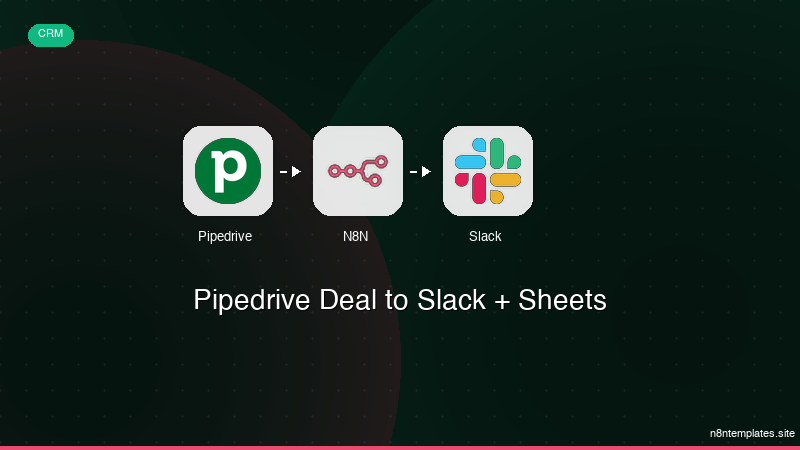
Nao comece do zero. O Pipedrive Deal to Slack + Sheets e um workflow n8n pronto para instalar que faz exatamente isso — em minutos, nao horas.
Instalar por $29 →

