
How to Use n8n to Automate Your SaaS Trial Conversions
Most SaaS companies lose 60–80% of trial users before they ever see the product's value. The problem usually isn't the product — it's the silence between signup and "aha moment." Manual follow-ups don

Most SaaS companies lose 60–80% of trial users before they ever see the product's value. The problem usually isn't the product — it's the silence between signup and "aha moment." Manual follow-ups don't scale, and most email sequences are too generic to move someone from curious to committed. n8n gives you the infrastructure to fix this with automated, behavior-triggered workflows that respond to what users actually do — not just when they signed up.
Map the Conversion Triggers First
Before building any workflow, identify the two or three actions inside your trial that correlate with paid conversion. For most SaaS products, these are things like completing onboarding, inviting a team member, or connecting an integration. These are your activation signals.
- Pull event data from your product database, Mixpanel, or Amplitude via n8n's HTTP Request or native nodes
- Define a "did not activate" condition — for example, no key event fired within 48 hours of signup
- Tag users in your CRM (HubSpot, Pipedrive, or whatever you use) based on activation status
- Use n8n's If/Switch nodes to branch logic: activated users go to one sequence, stuck users go to another
The goal here is segmentation at the source — before any message gets sent. Generic drip sequences treat all trial users the same. Behavior-triggered workflows treat them as individuals, which is where conversion lift actually comes from.
Build the "Stuck User" Intervention Workflow
The highest-leverage automation you can build is one that catches users who signed up but haven't done anything meaningful in the first 24–48 hours. These users are most likely to churn silently — they won't cancel, they'll just stop logging in.
- Trigger: scheduled n8n workflow running every morning, querying your DB for users with signup_date = yesterday AND activation_event = null
- Action 1: send a Slack or email alert to your success team with the user's name, company, and plan tier
- Action 2: enroll the user in a targeted email sequence via your email provider (Postmark, SendGrid, or Mailchimp nodes)
- Action 3: create a follow-up task in your CRM assigned to the relevant account owner
- Action 4: log the event in a Google Sheet or Airtable for tracking intervention outcomes
This workflow runs without anyone touching it. Your team wakes up with a prioritized list of users to reach. The email goes out automatically. The CRM task gets created. You've turned a passive churn risk into an active conversation — at scale.
Automate the Upgrade Prompt at the Right Moment
Most upgrade prompts are time-based — "Your trial ends in 3 days." That's weak. The best conversion moment is right after a user hits a limit or completes a high-value action. n8n lets you trigger upgrade messaging based on product behavior instead of a calendar.
- Watch for feature limit events (API calls, seats, exports) via webhook from your backend to n8n
- When a limit-hit event arrives, check the user's current plan via your billing API (Stripe is straightforward to connect)
- If they're on a trial or free tier, immediately send a targeted email or in-app message explaining what the next plan unlocks
- Log the prompt in your CRM and set a 48-hour follow-up task if no upgrade happened
The timing difference matters enormously. A user who just hit their export limit is thinking about the value of exporting right now. An email sent 30 seconds later converts at a completely different rate than one sent the next morning.
Connect Your Stack Without Custom Integrations
One of the practical advantages of n8n over point solutions is that it connects your entire stack in one place. You don't need a separate tool for CRM sync, another for email triggers, and another for Slack alerts. A single n8n workflow can read from your database, write to Stripe, send via SendGrid, post to Slack, and update HubSpot — in one execution chain.
- Use n8n's native nodes for Stripe, HubSpot, Pipedrive, Slack, Gmail, Airtable, and Google Sheets
- Use the HTTP Request node for any API that doesn't have a native integration
- Store shared config (API keys, thresholds, team IDs) in n8n's credentials manager — not hardcoded in workflows
- Use n8n's error handling and retry logic to make workflows production-safe without babysitting them
If you want to skip the setup time, there are ready-made n8n templates built specifically for SaaS use cases — CRM sync, trial monitoring, upgrade prompts, and more — that you can import and configure in minutes instead of building from scratch.
Automating trial conversions with n8n isn't about replacing your sales or success team — it's about making sure no user falls through the cracks silently. The workflows described here are operational infrastructure: they run continuously, respond to real behavior, and keep your team focused on the conversations that actually need a human. Once these are in place, your trial-to-paid rate improves not because you worked harder, but because the system never sleeps.
Ja construimos isso pra voce
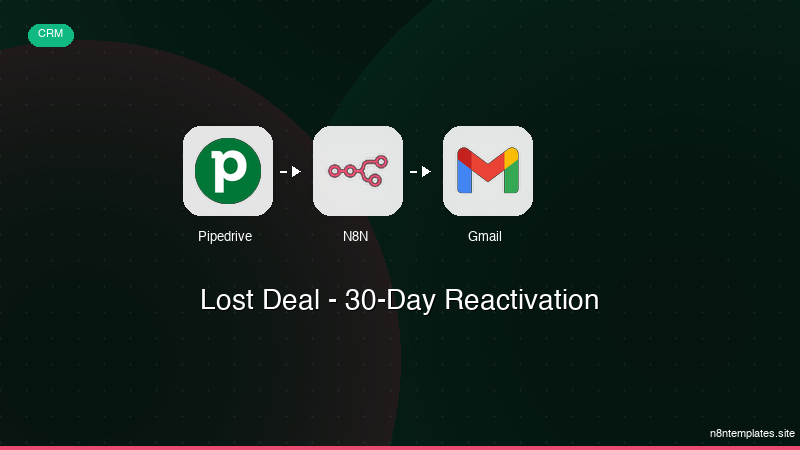
Nao comece do zero. O Lost Deal - 30-Day Reactivation e um workflow n8n pronto para instalar que faz exatamente isso — em minutos, nao horas.
Instalar por $49 →

