
How to Integrate Telegram with n8n for Instant Alerts
Telegram has become a go-to channel for real-time notifications in engineering and ops teams. Fast, reliable, free, and with a bot API that actually works. Pairing it with n8n gives you a no-code way
Telegram has become a go-to channel for real-time notifications in engineering and ops teams. Fast, reliable, free, and with a bot API that actually works. Pairing it with n8n gives you a no-code way to fire alerts from any system — whether that's a failed payment, a new lead, a low inventory threshold, or a server spike. Here's how to wire it up properly.
Create Your Telegram Bot
Before touching n8n, you need a bot and a chat ID. This takes about two minutes:
- Open Telegram and search for @BotFather
- Send
/newbot, follow the prompts, and grab your API token (format:123456789:ABCdef...) - Create a group or channel where alerts will land, add your bot as admin
- To get the chat ID, send a message to the group, then visit
https://api.telegram.org/bot<YOUR_TOKEN>/getUpdates— thechat.idfield is what you need (groups return a negative number like-1001234567890)
Keep both values handy. You'll paste them into n8n in the next step.
Configure the Telegram Node in n8n
n8n has a native Telegram node — no HTTP Request node needed for basic use. Here's the setup path:
- Add a Telegram node to your workflow
- Under credentials, create a new Telegram API entry and paste your bot token
- Set the Resource to Message and the Operation to Send Message
- In the Chat ID field, paste the chat ID you retrieved earlier
- In the Text field, compose your message — you can reference dynamic data from previous nodes using expressions like
{{ $json.order_id }} - Enable Parse Mode → Markdown if you want bold, code blocks, or links in your messages
Test with a static message first. Once the node fires successfully, you'll see the message appear in your Telegram group within a second or two.
Common Alert Patterns
The Telegram node works with any trigger. A few patterns that actually get used in production:
- Gumroad new sale — Webhook trigger from Gumroad → format sale amount and product name → Telegram. Know the moment a payment lands.
- Stripe failed payment — Stripe webhook → filter for
payment_intent.payment_failed→ alert with customer email and amount - Airtable row created — Airtable trigger → map relevant fields → Telegram. Useful for lead notifications from forms.
- Scheduled health check — Cron trigger every 5 minutes → HTTP Request to your service → IF node checks status code → Telegram only if it's not 200
- Google Sheets row added — Sheet trigger → Telegram. Simple enough to set up in under 10 minutes, used heavily in ops workflows.
The pattern is always the same: trigger → optional filter or transform → Telegram node. The only part that changes is what sits in the middle.
Message Formatting and Batching
A raw alert that dumps a JSON object into Telegram is useless. A few formatting rules that keep alerts readable:
- Use Markdown parse mode and bold the key metric:
*New sale:* $49 — Pipedrive CRM Template - Include only the 2-3 fields that matter. If someone needs to dig deeper, link them to the source system.
- For high-frequency events (logs, minor errors), use an Aggregate node to batch messages before sending — one Telegram message every 5 minutes beats 200 individual pings
- For critical alerts, send to a dedicated group with notifications unmuted. Use a separate group for informational updates that can be muted.
Telegram's rate limit is 30 messages per second to different chats, and 1 message per second to the same chat. For most use cases this is never a constraint, but if you're routing high-volume events, add a Wait node between sends or aggregate first.
Wrapping Up
Integrating Telegram with n8n is one of those setups that pays back immediately. Once the bot is configured, adding a new alert channel to any workflow is a five-minute job — drop in the Telegram node, set the chat ID, write the message. No third-party services, no extra subscriptions, no webhooks to maintain on the Telegram side.
If you'd rather skip the setup entirely and start with workflows that are already built and tested, check out the ready-made n8n templates — they cover Telegram alerts alongside dozens of other automation patterns, ready to import and run.
Ja construimos isso pra voce
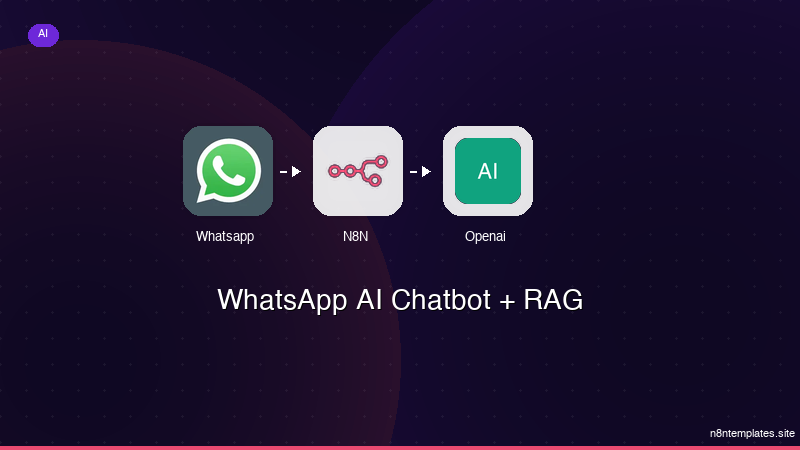
Nao comece do zero. O WhatsApp AI Chatbot + RAG e um workflow n8n pronto para instalar que faz exatamente isso — em minutos, nao horas.
Instalar por $59 →

