
How to Automate Stripe Payment Notifications with n8n
Stripe doesn't send Slack messages. It doesn't ping your team when a payment fails. It doesn't log sales to your CRM or fire a welcome email the moment a subscription starts. That's all on you — unles
Stripe doesn't send Slack messages. It doesn't ping your team when a payment fails. It doesn't log sales to your CRM or fire a welcome email the moment a subscription starts. That's all on you — unless you automate it. n8n makes this straightforward: connect Stripe's webhook events to whatever downstream action you need, without writing a custom server or maintaining glue code indefinitely.
How Stripe Webhooks Work with n8n
Stripe pushes events to a URL you define — payment intents, charges, subscriptions, refunds. n8n can receive these directly using its built-in Webhook node. You get the full event payload, structured as JSON, and from there you route it wherever you want.
- Create a Webhook node in n8n and copy the generated URL
- In Stripe Dashboard, go to Developers → Webhooks → Add endpoint, paste the URL
- Select which events to listen to:
payment_intent.succeeded,charge.failed,customer.subscription.created, etc. - Activate your n8n workflow — it's now live and listening
One important detail: Stripe signs every webhook with a secret. If you need to verify signatures (you probably should in production), use the HTTP Request node or a Function node to validate the Stripe-Signature header against your webhook signing secret before processing the payload.
Practical Notification Flows You Can Build
Once the webhook is wired up, the actual automation is just connecting nodes. Here are the patterns that solve real problems:
- Slack alert on failed payment: Filter for
charge.failed, extract the customer email and failure reason, post a formatted message to your #payments Slack channel. Your team knows immediately instead of finding out during a monthly review. - New customer to CRM: On
customer.createdorpayment_intent.succeeded, push the customer data to HubSpot, Pipedrive, or Notion. No more manually logging deals. - Welcome email on subscription start: Trigger on
customer.subscription.created, pull the customer's email from the payload, send a personalized onboarding email via Gmail or Resend. Fire it within seconds of the charge going through. - Google Sheets revenue log: Append every successful payment to a spreadsheet with timestamp, amount, currency, and customer ID. Instant revenue tracking without touching a dashboard.
- Refund notification to support: On
charge.refunded, create a ticket in your helpdesk (Zendesk, Linear, anything with an API) so someone follows up proactively.
Routing Multiple Event Types in One Workflow
You don't need a separate workflow for every Stripe event. Use a single Webhook node to catch all events, then branch with a Switch node on the type field of the payload. Each branch handles one event type independently.
- Webhook node receives the raw Stripe event
- Switch node checks
{{ $json.type }}and routes to the matching branch - Each branch runs its own logic: Slack, email, CRM update, spreadsheet append
- You maintain one workflow instead of five, which means one place to debug when something breaks
This pattern also makes it easy to add new event types later — extend the Switch, add a branch, done. No restructuring required.
Handling Errors and Retries
Stripe retries failed webhook deliveries — if your n8n workflow throws an error, Stripe will try again over the next 24 hours with exponential backoff. That's useful, but it also means your workflow needs to be idempotent: processing the same event twice shouldn't create duplicate Slack messages or double-logged rows.
- Use the Stripe event ID (
{{ $json.id }}) as a deduplication key — check against a database or Airtable before processing - Enable error workflows in n8n to catch failures and alert you before Stripe gives up retrying
- Log every received event to a simple store (Redis, Postgres, Google Sheets) so you have an audit trail
For most teams, a lightweight check — "did I already process this event ID?" — is enough to stay safe.
Building this from scratch takes time, especially if you're new to n8n's node structure or want to get the Stripe payload mapping right on the first try. If you'd rather skip the setup and start from something already working, check out the ready-made n8n templates — they cover Stripe notification flows along with dozens of other common automation patterns. Import, configure your credentials, and you're live in minutes.
Ja construimos isso pra voce
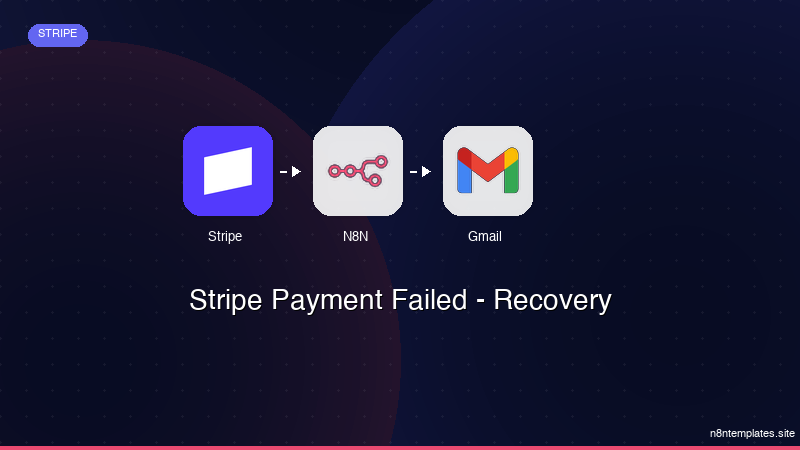
Nao comece do zero. O Stripe Payment Failed - Recovery e um workflow n8n pronto para instalar que faz exatamente isso — em minutos, nao horas.
Instalar por $49 →

