
Build a Lead Scoring System with n8n and AI
Lead scoring separates the deals worth chasing from the noise. The problem is that most teams either skip it entirely or build something so rigid it breaks the moment the sales process changes. n8n wi
Lead scoring separates the deals worth chasing from the noise. The problem is that most teams either skip it entirely or build something so rigid it breaks the moment the sales process changes. n8n with an AI layer gives you a scoring system that's both automated and adaptive — no black box, no vendor lock-in, and no per-seat pricing eating your margin.
What a practical lead scoring system actually needs
Before touching a single node, nail down what matters for your pipeline. A scoring system that works has three inputs:
- Demographic fit — company size, industry, job title, geography
- Behavioral signals — email opens, page visits, form submissions, demo requests
- Engagement timing — how recent the activity is, and at what velocity
The AI layer doesn't replace this logic. It augments it by interpreting unstructured data — a prospect's LinkedIn bio, a support ticket they opened, a free-text field in your CRM — and converting fuzzy inputs into a numeric score you can act on.
Building the workflow in n8n
The core flow has four stages. Here's how to wire them up without overengineering it:
- Trigger — use a Webhook node to receive events from your CRM (HubSpot, Pipedrive, or any source that fires webhooks). Alternatively, a Schedule trigger works if you're batch-processing leads nightly.
- Data enrichment — pull enrichment data via HTTP Request nodes against APIs like Clearbit or Apollo. This fills in the firmographic gaps your form didn't capture.
- AI scoring — pass the assembled lead data to an OpenAI or Claude node. Your system prompt defines the scoring rubric: "Return a score from 0 to 100 based on these criteria, and output a one-sentence reason." JSON output mode keeps the response clean and parseable.
- Score write-back — use your CRM's API node to update the lead record with the score and the AI-generated reason. Tag leads above 70 as MQL and notify the assigned rep via Slack or email.
The whole thing runs in under 3 seconds per lead. At scale, add a queue with a Redis node to avoid hammering the AI API with concurrent requests.
Writing an AI prompt that scores consistently
This is where most implementations fall apart. A vague prompt produces inconsistent scores that sales will distrust immediately. Be explicit:
- Define your ideal customer profile in the system prompt — industry, company size range, job titles that buy
- Weight the criteria numerically: "demographic fit is worth 40 points, behavioral engagement 40 points, timing recency 20 points"
- Force structured output: ask for
{"score": 82, "reason": "VP-level at a 200-person SaaS company, opened 3 emails in 7 days"} - Include edge case handling: "If job title is unknown, apply a 10-point penalty rather than scoring zero"
Test the prompt against 20 real leads before deploying. Compare AI scores to what your best rep would have said. Adjust the weights until they align. This calibration takes an hour and saves months of sales confusion.
Connecting scores to action
A score sitting in a CRM field does nothing. The workflow should close the loop automatically:
- Score ≥ 75 → assign to senior rep, send internal Slack alert with score reason
- Score 40–74 → enroll in a nurture sequence, re-score after 14 days of engagement
- Score < 40 → tag as low priority, add to a monthly review batch
- Score dropped by 20+ points → flag for rep review, something changed in the account
Build the re-scoring logic as a separate workflow triggered by a schedule. Pull all leads scored in the last 30 days, fetch their latest activity from the CRM, run them through the same AI node, and update. Leads that graduate from nurture to MQL status get a Slack notification automatically.
The result is a system that prioritizes the right leads at the right moment, explains its reasoning in plain language, and updates itself as prospects engage. If you'd rather start from a tested foundation than build from scratch, check out the ready-made n8n templates — several cover CRM automation and AI-powered workflows you can adapt directly to this scoring pattern. Either way, the logic above is everything you need to deploy something production-ready this week.
Ja construimos isso pra voce
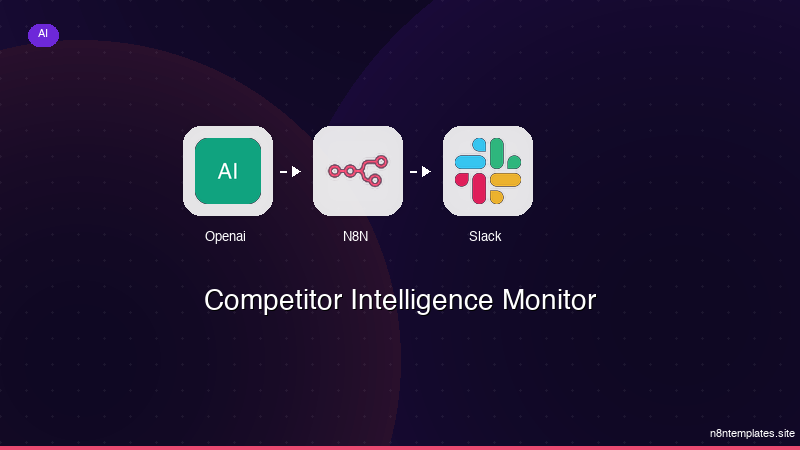
Nao comece do zero. O Competitor Intelligence Monitor e um workflow n8n pronto para instalar que faz exatamente isso — em minutos, nao horas.
Instalar por $59 →

