
Automate WhatsApp Order Confirmations with n8n
Every time a customer places an order and doesn't hear back immediately, you're leaving money on the table. Delayed confirmations erode trust, spike support tickets, and kill repeat purchases. If your

Every time a customer places an order and doesn't hear back immediately, you're leaving money on the table. Delayed confirmations erode trust, spike support tickets, and kill repeat purchases. If your business runs on WhatsApp — and most e-commerce and service businesses in 2024 do — automating order confirmations isn't optional anymore. It's table stakes. Here's how to build this with n8n, without touching a line of code beyond a few clicks.
Why WhatsApp Order Confirmations Need Automation
Manual confirmations don't scale. A single operator sending WhatsApp messages works when you process 10 orders a day. At 100, you miss messages. At 500, you're drowning. The bigger problem is consistency — a human forgets fields, changes tone, sends at the wrong time. Automation doesn't.
- Customers expect confirmation within seconds, not hours
- WhatsApp open rates hover around 98% — far above email
- Automated messages reduce inbound support queries by 30-50%
- You free your team to handle exceptions, not routine confirmations
The right automation sends a personalized, accurate confirmation the moment an order is placed — regardless of whether it's 2pm or 2am.
How the n8n Workflow Works
n8n connects your order source — WooCommerce, Shopify, a Google Sheet, a webhook from your custom app — directly to WhatsApp via an API like Z-API, Twilio, or the official WhatsApp Business API. The flow is straightforward:
- Trigger: New order created in your store or CRM
- Transform: n8n extracts order ID, customer name, items, total, and delivery estimate
- Format: A message template is populated with the customer's data
- Send: The message goes out to the customer's WhatsApp number instantly
- Log: The confirmation is recorded in a sheet or database for tracking
You can extend this with conditional logic — different messages for digital vs. physical products, upsells based on what was ordered, or a follow-up message after delivery. All of it runs without human intervention.
Setting Up the Workflow in n8n
The core nodes you need are a webhook or polling trigger, an HTTP Request node (or a native integration if your store is supported), a Set node to map fields, and a WhatsApp send node. Here's the practical setup:
- Connect your order source using n8n's native WooCommerce, Shopify, or webhook trigger
- Use a Function or Set node to build the message string with dynamic fields like
{{customer_name}}and{{order_total}} - Configure your WhatsApp provider credentials in n8n's credential manager — this is a one-time setup
- Map the customer's phone number from the order data to the WhatsApp send node
- Test with a real order and verify the message format on mobile before activating
Phone number formatting is the most common failure point — WhatsApp requires the country code prefix without symbols. Build a normalization step into your workflow from the start to strip spaces, dashes, and leading zeros.
What a Production-Ready Confirmation Looks Like
A bare confirmation message just tells the customer their order went through. A production-ready one does more work — it answers the questions they were about to ask before they ask them.
- Order number and timestamp so they can reference it in support
- Itemized list of what was ordered, with quantities
- Total charged and payment method confirmed
- Estimated delivery window or next step (especially for services)
- A single contact point if something looks wrong
Keep it under 300 characters if possible. WhatsApp is a messaging app — your customers aren't reading a novel. The goal is to create certainty fast, then get out of the way. If you need to handle more complex scenarios — cancellations, partial shipments, digital delivery links — those become separate flows triggered by different order status changes, not bloat added to the confirmation.
If you'd rather not build this from scratch, ready-made n8n templates give you a pre-built workflow you can import, configure with your credentials, and have running in under an hour — without reverse-engineering the node structure yourself.
Order confirmation automation is one of the highest-leverage workflows you can build. It touches every customer, runs continuously, and directly affects whether people trust your business enough to buy again. Set it up once, tune the message format over the first week, and then stop thinking about it — which is exactly what automation is supposed to do.
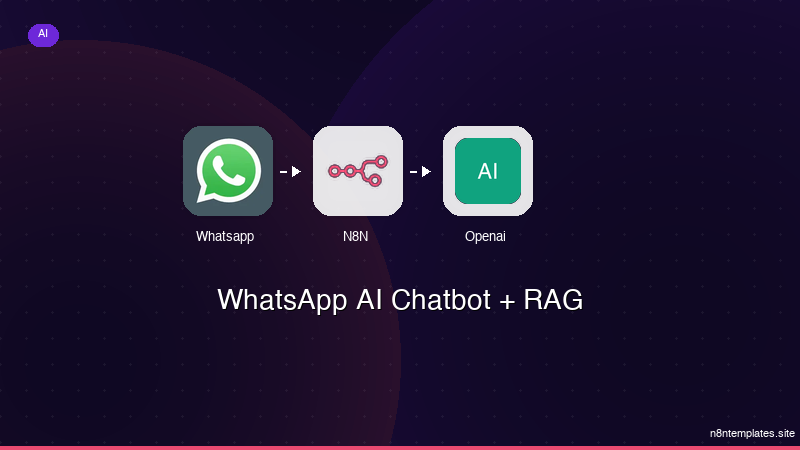
Ja construimos isso pra voce
Nao comece do zero. O WhatsApp AI Chatbot + RAG e um workflow n8n pronto para instalar que faz exatamente isso — em minutos, nao horas.
Instalar por $59 →

