
Automate Project Management with n8n
Project management tools are good at storing information. They're bad at moving it. Every status update, every task assignment, every deadline that slips — someone has to manually copy that data from
Project management tools are good at storing information. They're bad at moving it. Every status update, every task assignment, every deadline that slips — someone has to manually copy that data from one place to another, send a notification, update a spreadsheet. That someone is probably you. n8n fixes this by letting you build automation workflows that connect your project management stack and handle the repetitive work automatically.
Why Project Management Is Full of Manual Work
Most teams use at least three or four tools: a task tracker like ClickUp or Asana, a communication platform like Slack, a CRM, maybe a spreadsheet for reporting. The problem isn't the tools — it's the gaps between them. Nothing talks to anything else unless you build the bridge.
- A task moves to "In Review" in ClickUp but no one in Slack gets notified
- A deal closes in the CRM but the delivery team's board doesn't update
- A deadline passes and the only person who knows is whoever checks the board
- Weekly status reports get assembled manually from three different sources
These aren't hard problems. They're just tedious ones. And tedious problems are exactly what n8n was built to eliminate.
What You Can Automate with n8n
n8n has native integrations with every major project management platform — ClickUp, Asana, Trello, Notion, Jira, Monday.com — plus Slack, Gmail, Google Sheets, webhooks, and dozens of others. The automation patterns that actually save time are straightforward once you map them out.
- Task status triggers: When a task changes status, fire a Slack message to the relevant channel, update a row in Sheets, or trigger a follow-up task in another project
- Deadline monitoring: Query your task tracker daily, filter for tasks due in the next 24 hours with no activity, and send a digest to the assignee
- Cross-tool sync: When a deal reaches a certain stage in your CRM, automatically create an onboarding project in ClickUp with predefined tasks and assignees
- Automated reporting: Pull task completion data on a schedule, aggregate it, and push a formatted summary to Slack or a Google Doc every Friday afternoon
- Client updates: When a milestone task is marked complete, send a templated email to the client with the project status — no drafting required
Each of these is a single n8n workflow. Most run in under 200ms. Once deployed, they run silently in the background and you stop thinking about them.
Building vs. Buying Ready-Made Workflows
Building n8n workflows from scratch is doable. It's also slow the first few times — you spend an hour figuring out the right webhook structure, another 30 minutes debugging why the ClickUp node isn't returning subtasks, and by the time the workflow works you've lost the afternoon. The logic itself is usually simple; the friction is in the setup.
The faster path is starting from a workflow that already handles the edge cases. If you want to skip the setup time, ready-made n8n templates give you working workflows for common project management automations that you can import, configure your credentials, and deploy the same day.
Whether you build or buy, the architecture is the same: a trigger (webhook, schedule, or event from a node), a series of transformations and conditional logic, and one or more output actions. Understanding that structure makes it easier to modify any workflow to fit your exact stack.
Getting Started Without Overengineering
The mistake most teams make is trying to automate everything at once. They map out a 15-node workflow connecting six tools and then spend two weeks building it. Start smaller.
- Pick one manual task you do every week that takes 20+ minutes
- Build the simplest possible workflow that eliminates it
- Run it in parallel with your manual process for a week to validate the output
- Then turn off the manual process
Once that workflow is running cleanly, add the next one. Within a month you'll have four or five automations handling work that used to consume hours of your week. The compounding effect is real — each workflow you add reduces context switching and creates more time to build the next one.
n8n's self-hosted option means your data stays on your infrastructure, which matters if you're handling client data or operating under any kind of compliance requirement. The community edition is free. The workflow logic you build is yours to keep and modify.
Project management automation isn't a luxury for teams with dedicated engineers. It's table stakes for any small team that wants to operate above its weight. The tools are accessible, the patterns are well-established, and the time investment pays back within the first month. Stop doing manually what a workflow can handle automatically.
Ja construimos isso pra voce
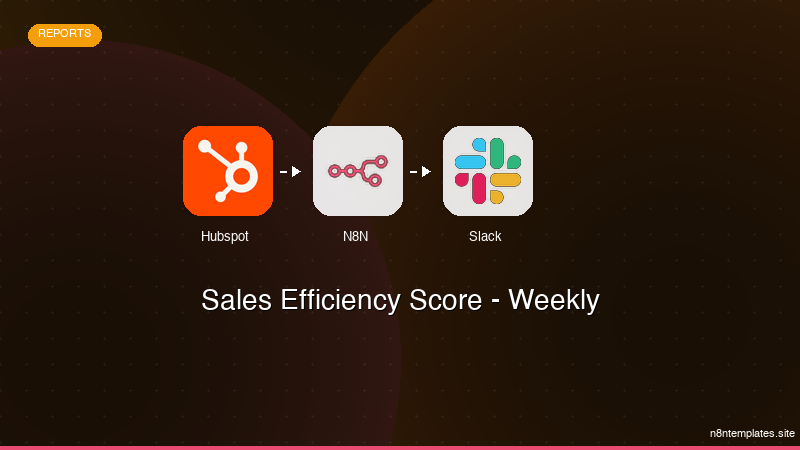
Nao comece do zero. O Sales Efficiency Score - Weekly e um workflow n8n pronto para instalar que faz exatamente isso — em minutos, nao horas.
Instalar por $59 →

