
Automate Customer Onboarding with n8n Workflows
Customer onboarding is where you either earn trust or lose it. Most teams burn hours on repetitive tasks — sending welcome emails, provisioning accounts, scheduling calls, updating CRMs — and still ma
Customer onboarding is where you either earn trust or lose it. Most teams burn hours on repetitive tasks — sending welcome emails, provisioning accounts, scheduling calls, updating CRMs — and still manage to drop the ball on timing or personalization. n8n fixes this. With a properly designed workflow, your onboarding runs automatically from the moment a customer signs up to the moment they're fully activated, with zero manual intervention required.
Why n8n Is the Right Tool for Onboarding Automation
n8n gives you the flexibility of code with the speed of a visual builder. Unlike Zapier or Make, you can self-host it, handle complex branching logic, and connect to any API — including internal ones with custom auth. For onboarding workflows specifically, this matters because:
- Onboarding rarely follows a single linear path — you need conditional branches based on plan type, user role, or behavior
- You're often touching 5–8 different tools (Stripe, HubSpot, Slack, email, calendar, internal DB) in a single flow
- Retry logic and error handling aren't optional when a failed step means a customer doesn't get access to what they paid for
n8n handles all of this natively, and you own the infrastructure. No per-task pricing that blows up as you scale.
Core Components of an Onboarding Workflow
A solid onboarding automation covers four stages: trigger, provisioning, communication, and activation tracking. Here's how each maps to n8n nodes:
- Trigger: Webhook node listens for a Stripe
checkout.session.completedevent or a form submission from Typeform or your own signup page - Provisioning: HTTP Request nodes create the user account in your product, assign roles, generate API keys, or spin up resources depending on your stack
- Communication: Send a personalized welcome email via SendGrid or Postmark, post a Slack message to your #new-customers channel, create a HubSpot contact and deal, and schedule a kickoff call via Calendly API
- Activation tracking: Set a follow-up reminder in your CRM 3 days out; if the user hasn't logged in by then, trigger a re-engagement sequence automatically
Each of these steps runs in sequence or in parallel depending on dependencies. n8n's Split In Batches and Merge nodes let you fan out parallel tasks and wait for all of them to complete before moving forward.
Handling Edge Cases Without Breaking the Flow
The part most tutorials skip: what happens when something fails mid-flow. A webhook fires, you provision the account, but the email delivery fails. Now you have a customer with access but no instructions. That's a support ticket waiting to happen.
In n8n, you handle this with:
- Error workflows: Set a dedicated error workflow in the workflow settings — it fires automatically when any node throws an uncaught error, letting you alert your team via Slack or log the failure to a Google Sheet
- Try/Catch pattern: Use the IF node after critical steps to check for success responses before continuing; route failures to a separate branch that retries or notifies
- Idempotency checks: Before provisioning, query your DB to confirm the user doesn't already exist — re-triggering a webhook shouldn't create duplicate accounts
- Wait nodes: For time-sensitive sequences like drip emails, use the Wait node to pause execution for 24h, 48h, or 7 days between steps without keeping a long-running process alive
Getting this right the first time takes experience. The conditional logic alone — plan type × signup source × user role — can branch into a dozen paths quickly.
Getting Started Without Building From Scratch
If you want a working onboarding automation today rather than three days from now, the fastest path is starting from a tested workflow that already handles the edge cases. The ready-made n8n templates at n8ntemplates.site are built specifically for this — each workflow comes pre-wired with the right node connections, error handling, and CRM integrations so you're configuring credentials, not debugging logic.
You can drop a template into your n8n instance, connect your Stripe and HubSpot accounts, and have a working onboarding flow running in under an hour. That's a realistic timeline if you're starting from a solid foundation — not if you're starting from a blank canvas.
Measuring Whether Your Onboarding Actually Works
Automation isn't set-and-forget. Instrument your workflow from day one:
- Log every execution result to a Google Sheet or database with timestamp, customer ID, and step status
- Track time-to-first-login as your primary activation metric — your workflow should reduce this, not just automate the same slow process
- Monitor error rates by node — if your calendar invite step fails 20% of the time, that's a Calendly API quota issue you need to fix
- A/B test email timing by randomizing the Wait node duration across two workflow branches and comparing activation rates
Customer onboarding automation with n8n isn't a weekend project if you want it done right — but it's absolutely achievable, and the ROI is immediate. Every hour your team spends manually onboarding a customer is an hour not spent on the work that actually scales your business. Build the workflow once, instrument it properly, and let it run.
Ja construimos isso pra voce
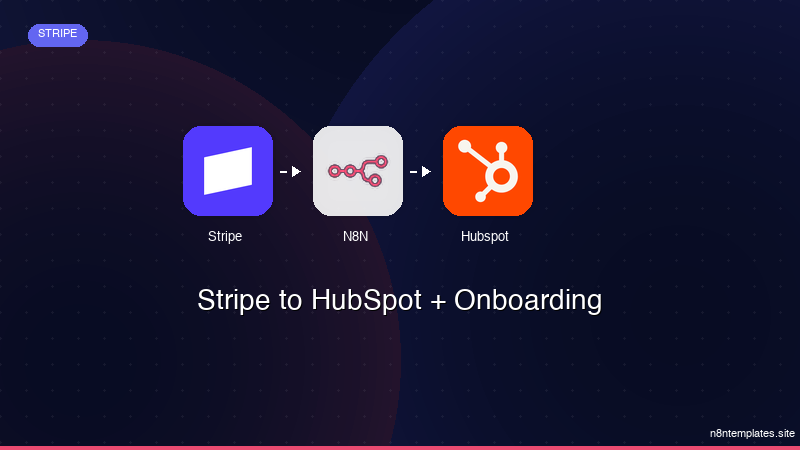
Nao comece do zero. O Stripe to HubSpot + Onboarding e um workflow n8n pronto para instalar que faz exatamente isso — em minutos, nao horas.
Instalar por $49 →

